

Answer critical questions across your entire contract portfolio
Reports are powered by data automatically extracted from your contracts, so you get answers without manual setup or upkeep.
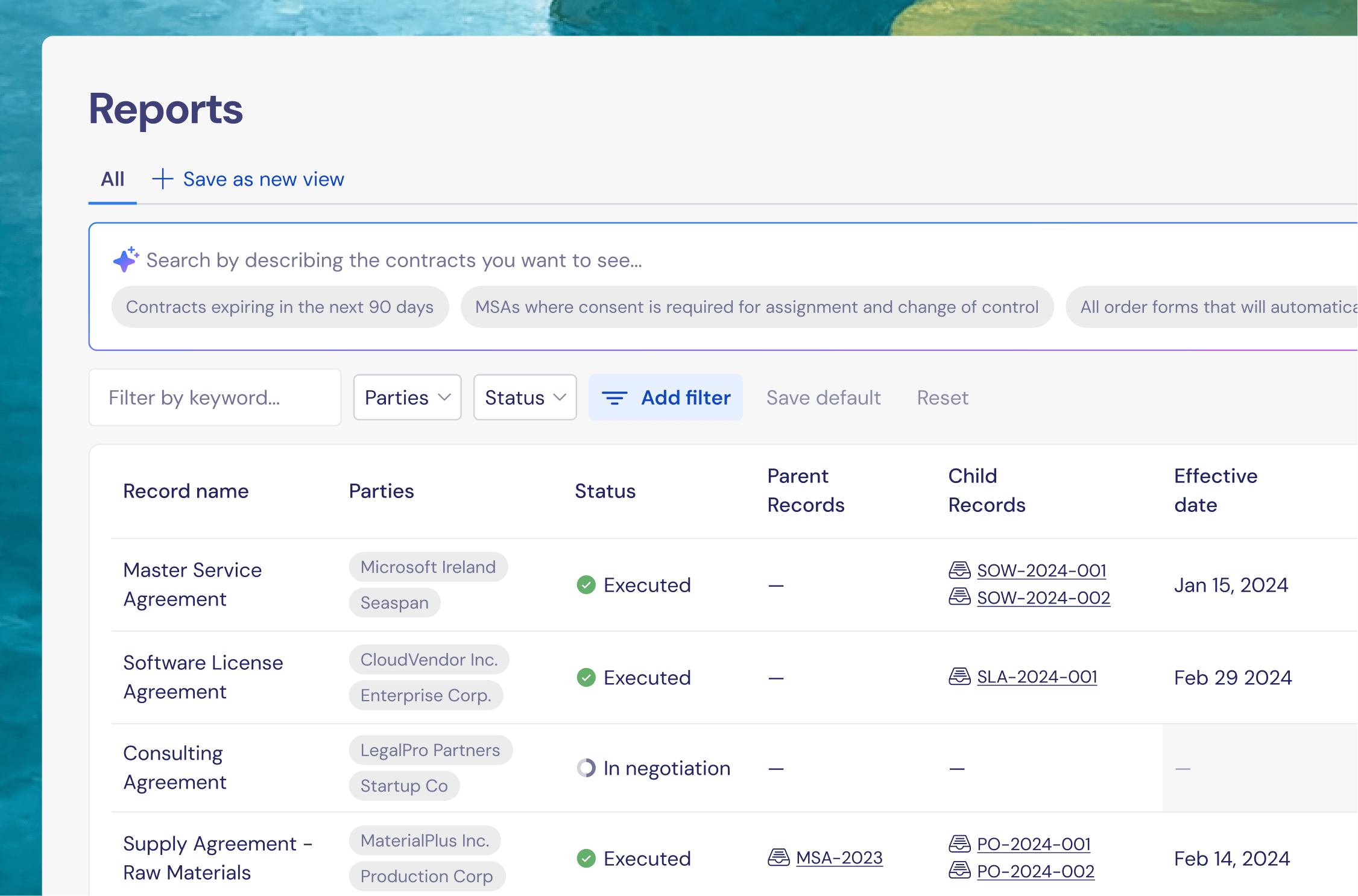
Reporting shouldn’t start
with cleanup work
Manual spreadsheets turn reporting into ongoing busy work instead of a reliable source of truth. It’s time to move past them.
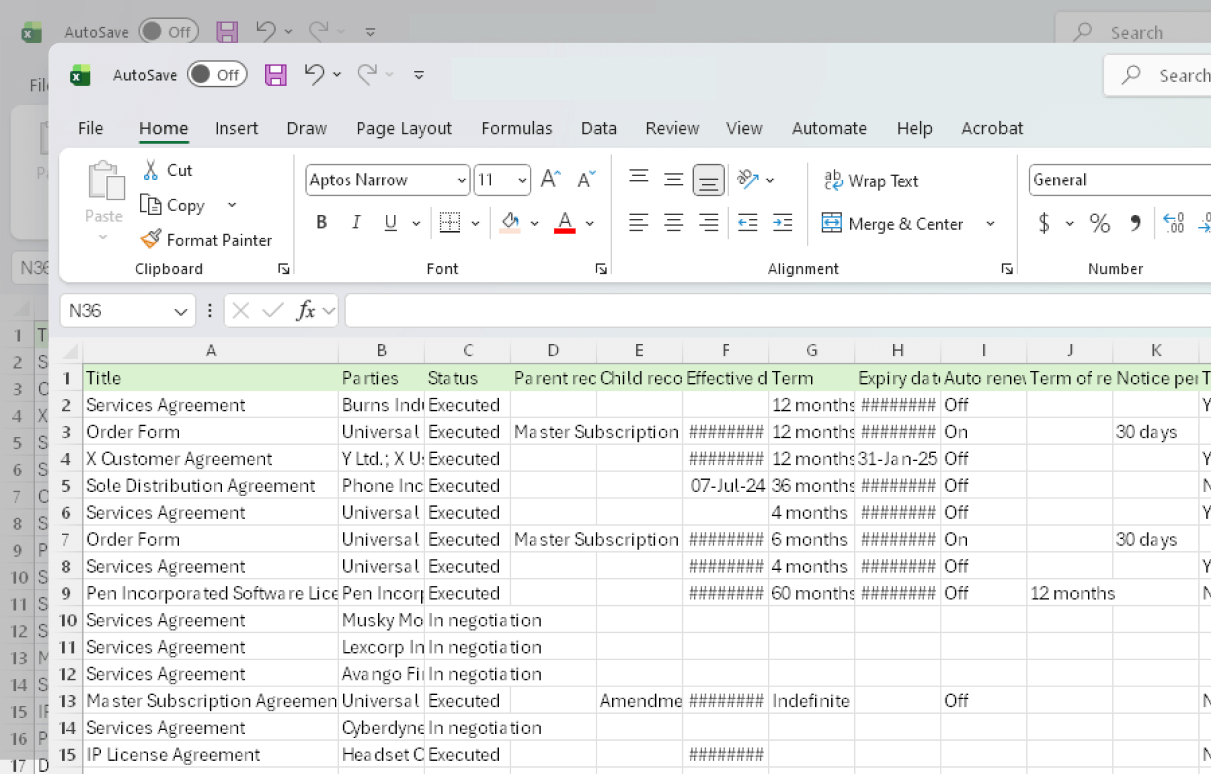
Pulling contracts from multiple systems and folders
Manually reviewing terms to answer basic questions
Maintaining spreadsheets that quickly fall out of date
Repeating the same work every time a new question comes ups
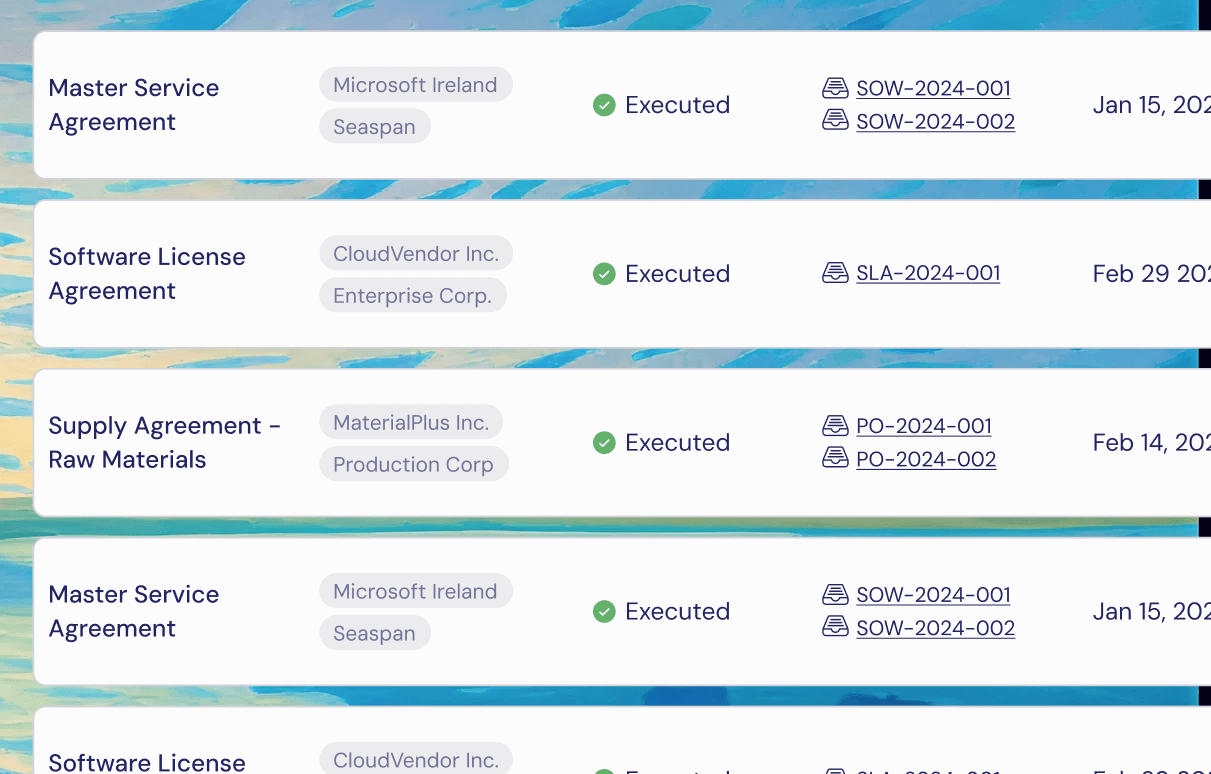
Contract data already structured and organized automatically
Instant filtering across your entire contract portfolio
Answers that reflect the latest contracts, not last quarter’s work
Clean exports you can share or reuse without rework
From questions to answers in seconds
Ask questions in plain language and get answers across your entire contract repository.
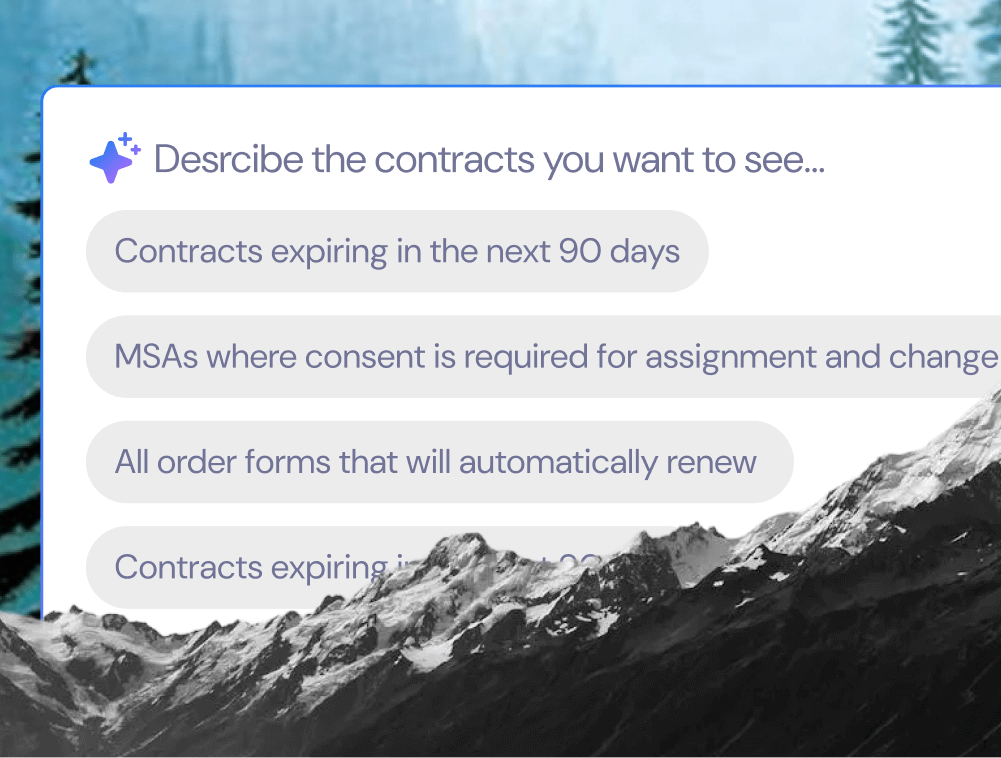
Ask a question across your entire portfolio
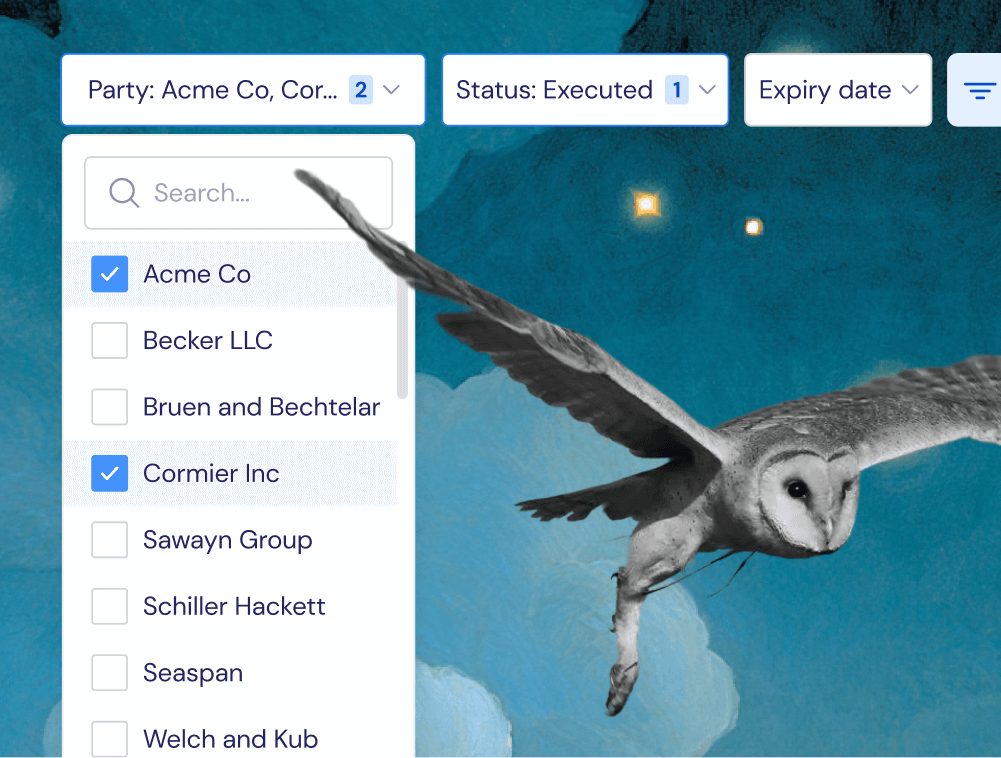
Use natural language search to generate filtered reports by dates, terms, parties, renewal windows, and more.
Automatically narrow the results
Reports update in real time, giving you immediate line of sight into exactly the contracts that matter.
Export and share
Download results as a CSV to share with stakeholders or import into finance, procurement, or other systems.
Practical reporting
for in-house legal teams
Portfolio-wide visibility
See key contract data across all your contracts from multiple connected systems.
Built on extracted contract data
Reports are powered by Recital’s data extraction, not manual tagging.
Always up to date
Reports reflect the latest data as contracts are added automatically.
Easy sharing and handoff
Export clean, structured data to CSV whenever you need it.
No manual setup
No spreadsheets to maintain, no fields to configure, no ongoing cleanup.
Designed for lean teams
Get answers quickly, even if you’re a team of one.
FAQ
-
Reports are ideal for solo GCs and small legal teams who need visibility quickly, without the overhead of enterprise systems.
-
Reports provide structured visibility into your contract data, but they are not a full analytics or BI tool. They’re designed to replace spreadsheets and manual reviews with faster, more reliable access to information.
-
You can filter reports and choose which extracted fields to display.
-
Absolutely. Reports work with your entire contract repository, legacy documents and new agreements.
-
Yes. Any report can be exported to CSV so you can share it or use it in other tools.

Stop rebuilding the same spreadsheet every quarter
Get immediate visibility into your contracts, without the manual work.