

The only way to organize every single contract in 24 hours.
Find contracts across multiple sources, extract critical data, and get the visibility you’ve only dreamed was possible.
Stop wasting weeks on manual uploads.
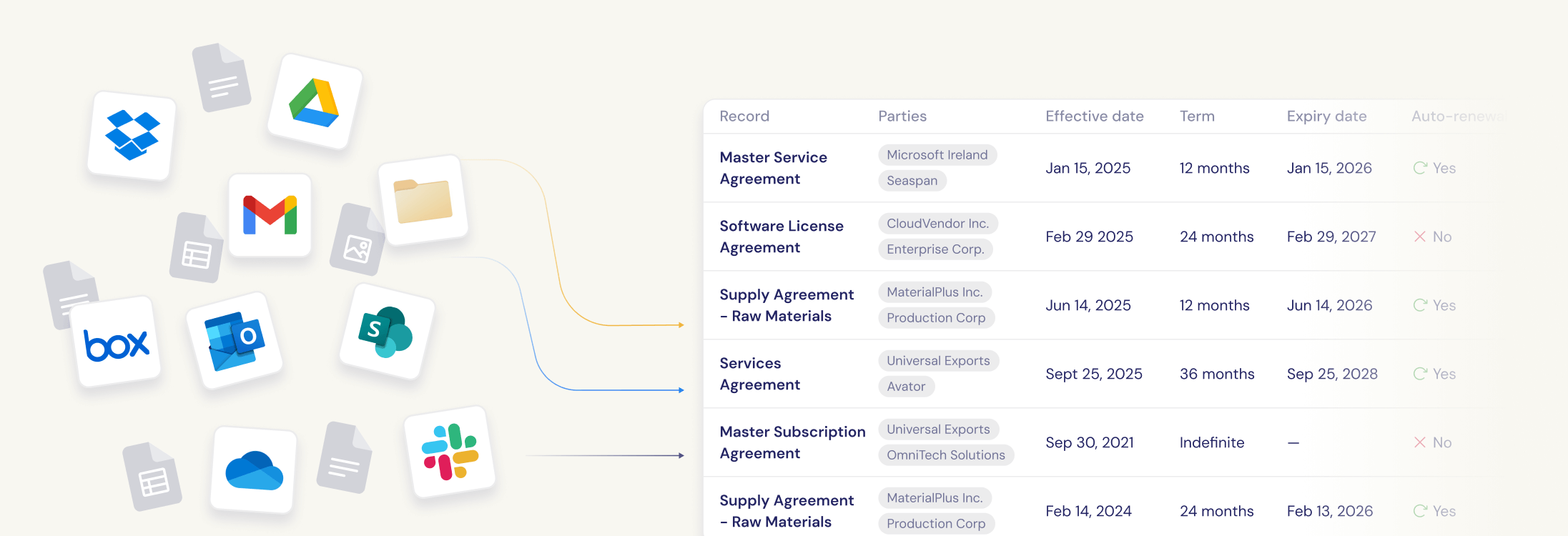
Unlike other AI tools that require you to upload contracts, Recital automatically finds and organizes them where they already live.
The old way doesn't work
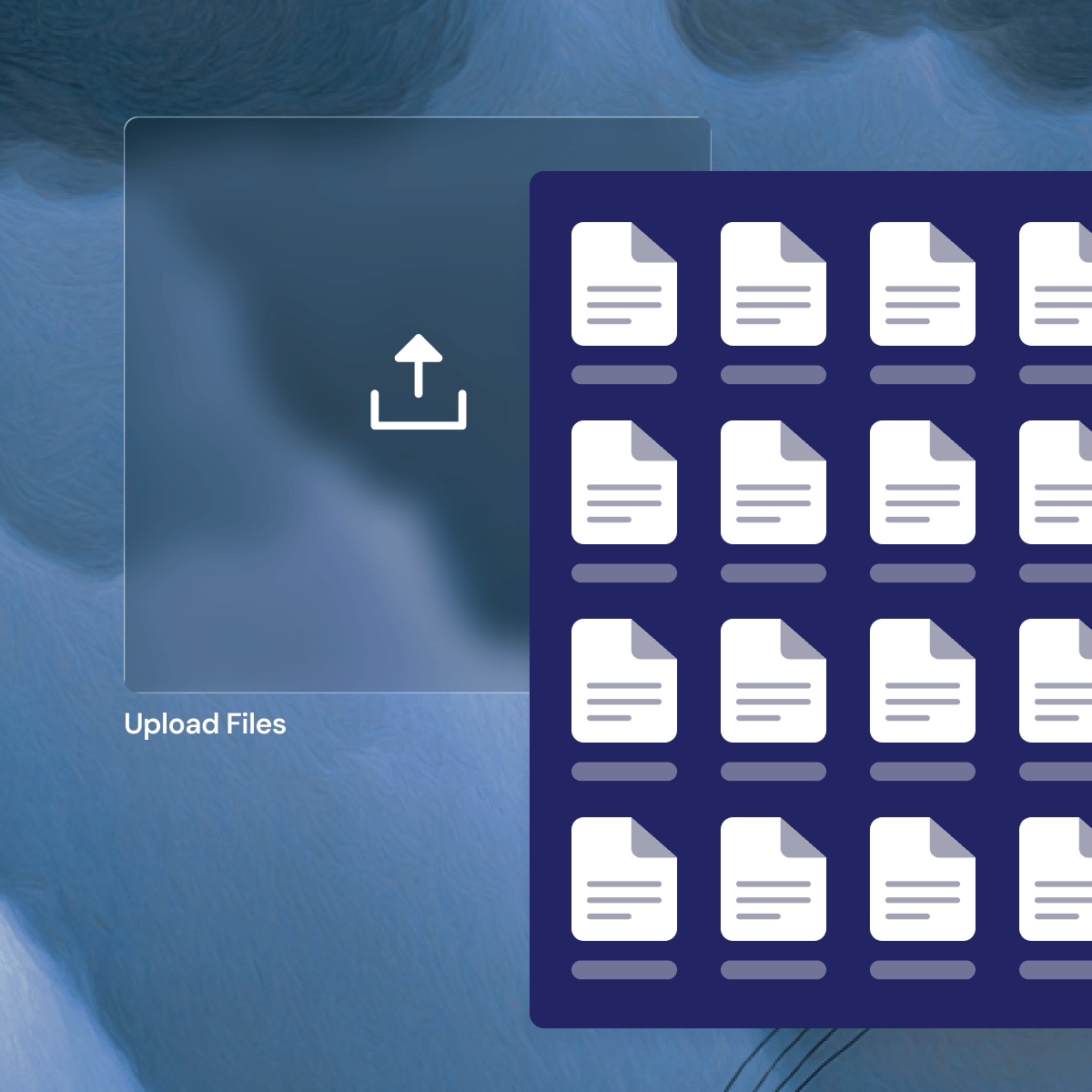
3+ weeks finding and uploading hundreds of contracts manually
Complex setup requiring IT resources and consulting
Constant errors in categorization and data entry
Contracts scattered across email, Google Drive, SharePoint, and OneDrive
No single source of truth
The Recital difference
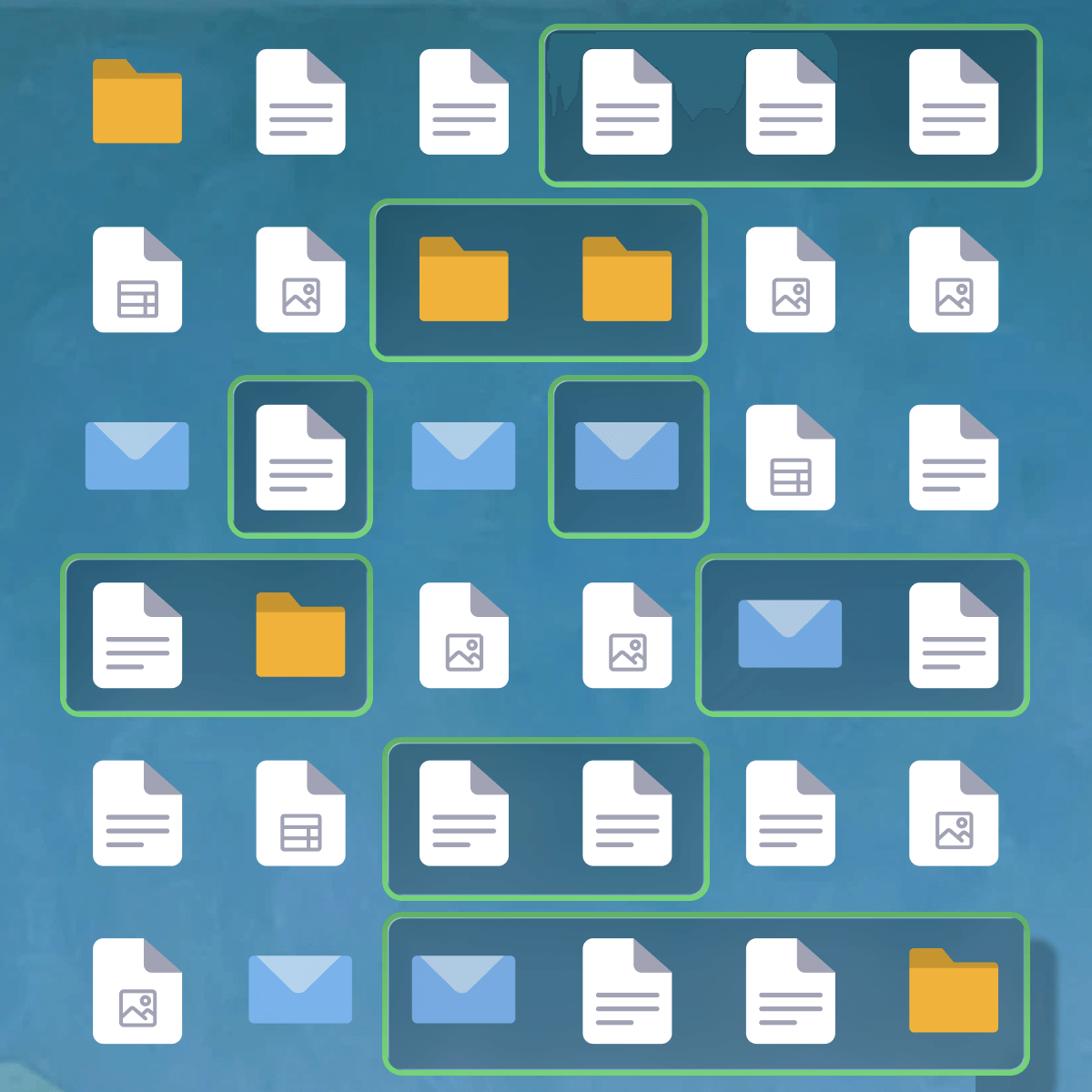
Recital builds your complete contract repository automatically in days, not weeks, with zero manual data entry.
How It Works
Connect your existing systems (Google Drive, SharePoint, OneDrive, email, local or network drives)
1
Connect
2
Detect
AI identifies contracts across all sources
Smart extraction pulls metadata, detects signatures, and maps relationships
3
Extract
4
Auto-organize
Repository is ready within hours* with complete, organized contract data
*Actual processing times vary with the size of your initial contract database.
No implementation team. No consulting fees. No months of manual work.
5
Zero overhead
We spent 3 weeks uploading 200 contracts into our old CLM system. With Recital, we organized 5000+ contracts in just 24 hours."
Legal Operations Manager
How is Recital’s contract repository different?
Contract detection
Automatically identifies contracts across your cloud storage, no manual organization or uploads required.
Signature status detection
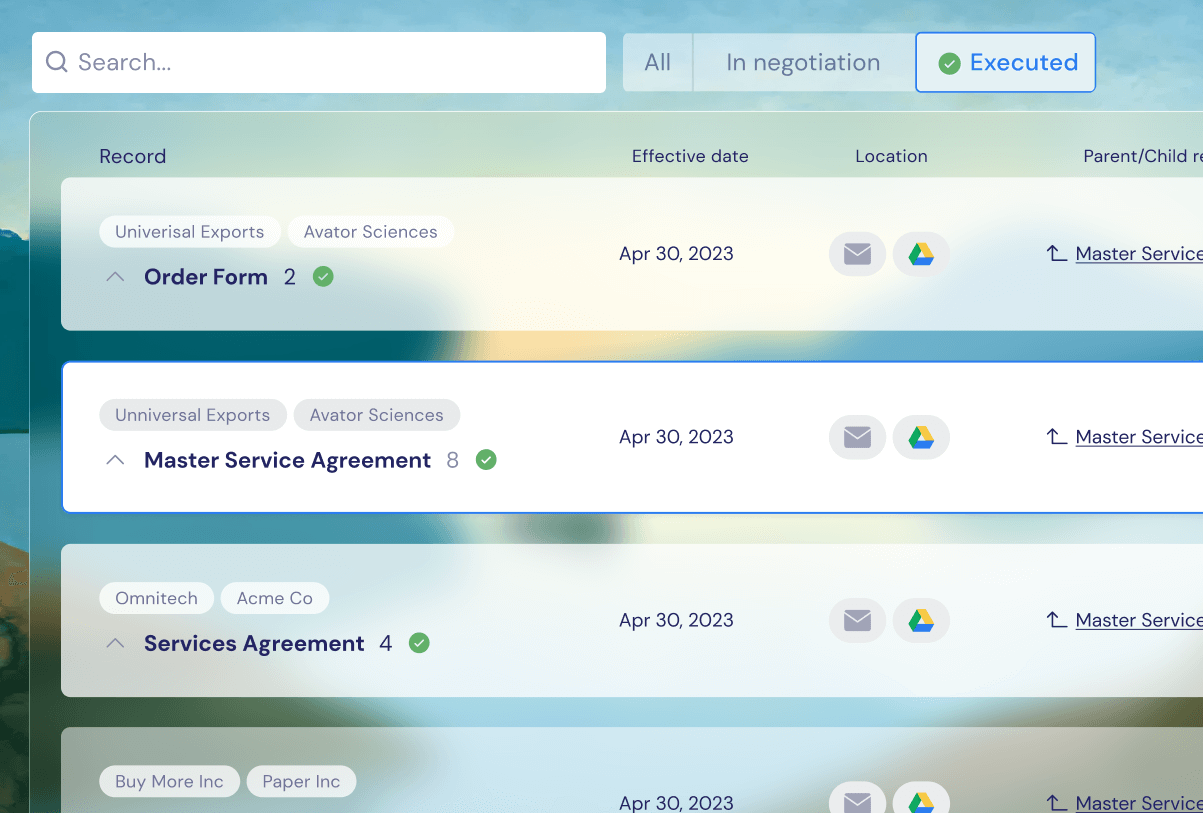
Identifies which contracts are executed, or unsigned, including both digital and wet signatures.
Always up-to-date
Once connected, your repository stays synchronized automatically.
Smart data extraction
Extracts key data like contract parties, effective dates, renewal terms, governing law and more.
Relationship mapping
Automatically detects relationships between master agreements and their related documents (SOWs, amendments, order forms).
Secure & compliant
Enterprise-grade security with bank-level data encryption.
Unified search across all sources
Search email, Google Drive, SharePoint, local and network drives, and more, all from one place.
Complete data portability
Export your entire repository and all extracted metadata anytime. You own your data.
What get’s extracted?
Recital extracts structured contract data that legal teams can actually use, whether they’re preparing for a transaction, managing renewals, assessing risk, or supporting the business day to day.
Extracted data includes citations to the source text, so you can verify and audit with confidence.
-
Key provisions that impact deal structure, enforceability, and exposure.
Change of control provisions
Assignment and transfer rights
Governing law & jurisdiction
Dispute resolution mechanisms
-
Terms that determine timing, leverage, and cost.
Effective and expiry dates
Auto-renewal terms
Notice periods
Termination rights
-
The structure that makes contract data reliable and usable at scale.
Party identification
Contract relationships (parent-child, amendments, etc.)
Contract status
Advanced search & reporting
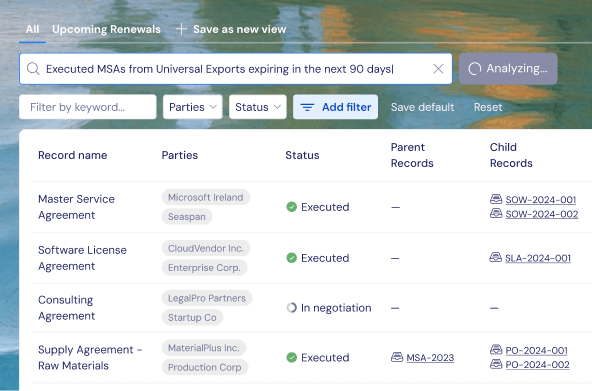
Once your repository is built, finding and analyzing contracts is instant. Recital's unified search lets you query across all your contracts in one place. No more checking multiple places for your contracts.
Powerful search capabilities:
Search across all contract locations including cloud storage, email, local and network drives, and other connected sources
Filter by any extracted field including date ranges, counterparties, and contract types
Find specific clauses or terms across your entire contract portfolio
Export custom reports in CSV format for further analysis
Built for modern contract work
For legal operations
Get complete visibility into your contract portfolio in days, not months. Spend time on strategy, not data entry.
For in-house counsel
Find any contract instantly. Know what's executed, what's expiring, and what contracts are on the go, all automatically maintained.
For remote teams
Everyone works from the same source of truth, whether contracts are in email, Google Drive, SharePoint, or a network drive.
For small businesses
Enterprise contract management without the enterprise price or complexity. Get organized in hours, not weeks.
We do integrations differently
Integrating your existing systems with Recital is simple. Our built-in connectors take just minutes to set up and start syncing your contract sources.
No file migration. No data exports. Just connect and let Recital do the work.
FAQ
-
Most organizations have a fully functional contract repository within 24-48 hours of connecting their systems. The actual time depends on the number of contracts and data sources, but it's measured in days, not weeks or months.
-
No. Recital automatically finds and organizes contracts from your existing systems. You simply connect your cloud storage (e.g. Google Drive, SharePoint, OneDrive) and email (Outlook or Gmail) and Recital does the rest.
-
Our AI achieves 96% accuracy on contract titles, 96% on party identification, and 82% on dates*. For key provisions like governing law and dispute resolution, we achieve 98-100% accuracy. Every extraction includes citations so you can verify the source.
*On internal testing. -
Your repository stays automatically synchronized and up-to-date. New contracts are detected, organized, and analyzed in real-time as they're added to your connected systems. You never need to manually upload contracts, ever.
-
Yes. Recital automatically detects execution status for both digital signatures (100% accuracy) and wet ink signatures (~90% accuracy). You'll instantly know which contracts are fully executed, partially signed, or unsigned.
-
Absolutely. Recital uses bank-grade encryption and security protocols.
-
Recital is optimized for commercial contracts including MSAs, NDAs, SOWs, purchase orders, vendor agreements, and customer contracts. Recital handles the contract types most teams work with daily.
-
Yes. Recital automatically detects and maps relationships between master agreements and their related documents (amendments, SOWs, order forms).
-
Yes. You can export your complete contract repository including all extracted metadata at any time in standard CSV format. No vendor lock-in. You own your data and all the intelligence Recital has extracted. You're free to take it with you whenever you want.

Ready to automate your contract management?
Join forward-thinking teams who've eliminated weeks of manual repository implementation with Recital.