

From inbox to redline in seconds, without the scavenger hunt
Get to a clean, accurate redline fast, without the setup and busy work that slow contract review down.
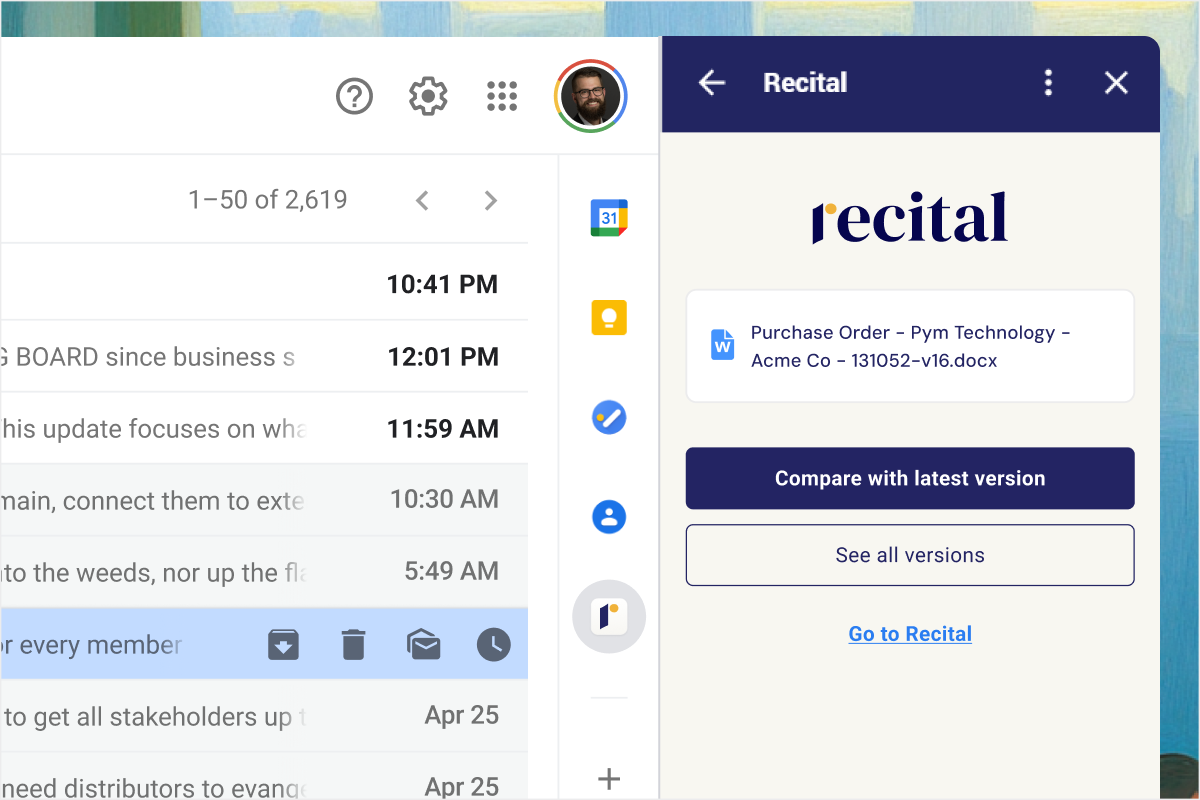
Redlines without the prep work
No setup. Fewer steps. Faster reviews.
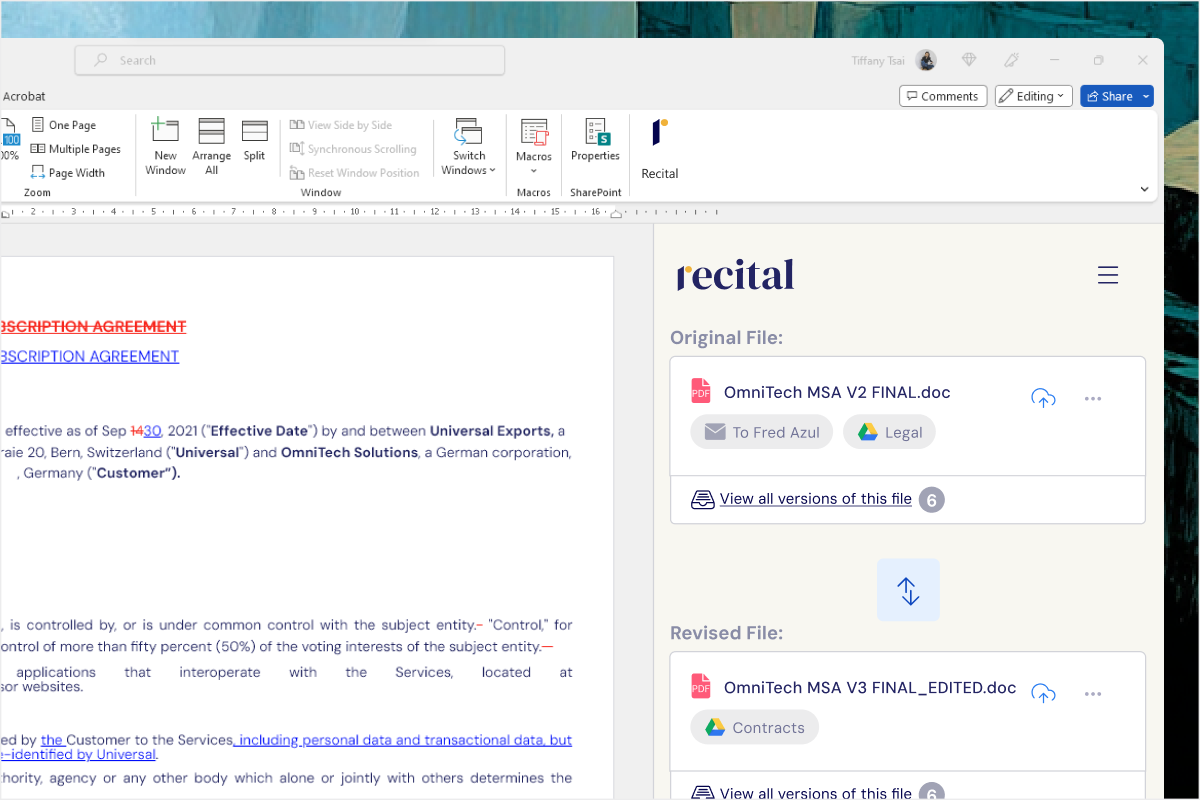
Word comparison
Download revised contracts from email
Search for the last version you sent
Jump between inboxes, folders, and cloud drives
Manually configure comparisons in Word
Repeat this process every time a new version arrives
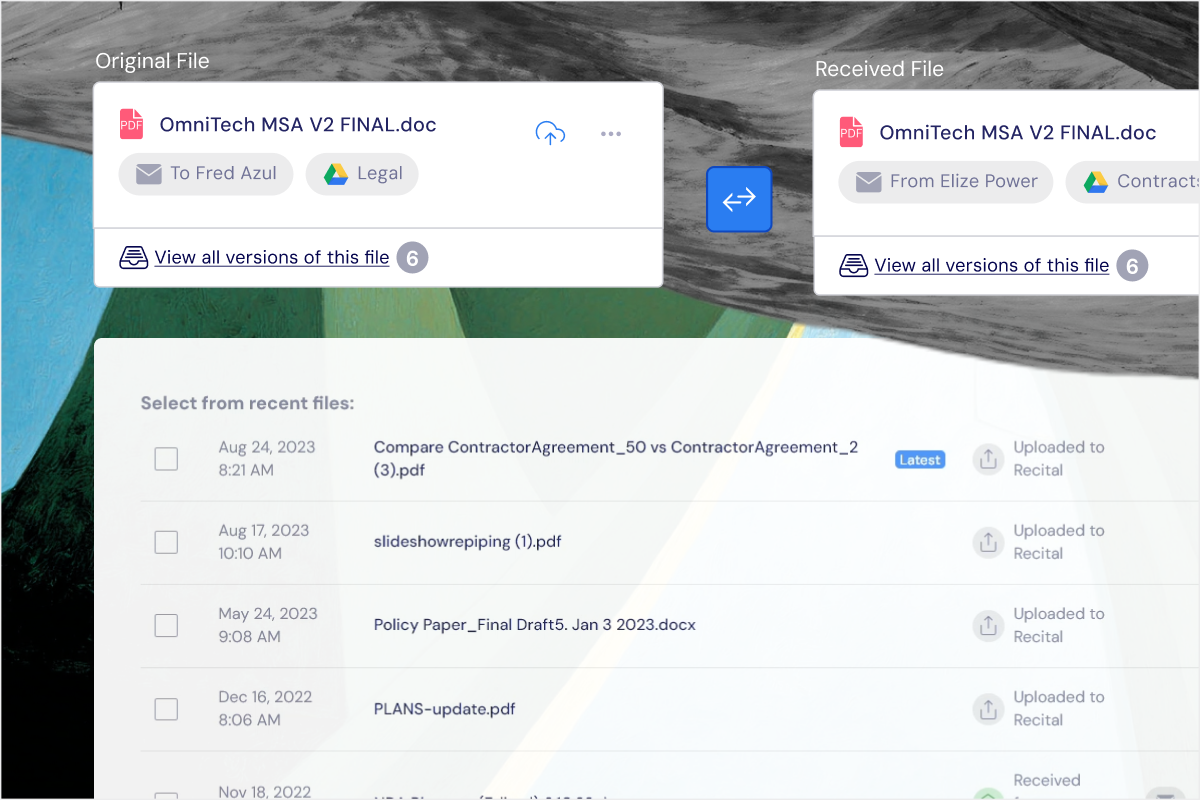
Instant compare
Every version from your inbox and connected storage organized into one place
Select versions to compare or get to a comparison from email in one click
Generate a 100% trustworthy redline instantly
Powerful comparisons,
without friction
Automatic version detection
Recital automatically maintains your repository, finding and organizing new versions as they come in. Never search for a contract again.
Trusted comparison engine
Comparisons are powered by Litera Compare, trusted by in-house teams and major law firms worldwide. It handles moved text, tables, and complex formatting accurately, with no separate license required.
Always accurate
Every change is captured with a fresh redline every time, regardless of whether the other party used tracked changes.
Flexible document support
Compare Word documents, PDFs, or a mix of both.
Review and export easily
Move through changes and comments in Recital, then open the redline in Word or export it to PDF when you are ready to continue editing or share.
AI summaries for faster understanding
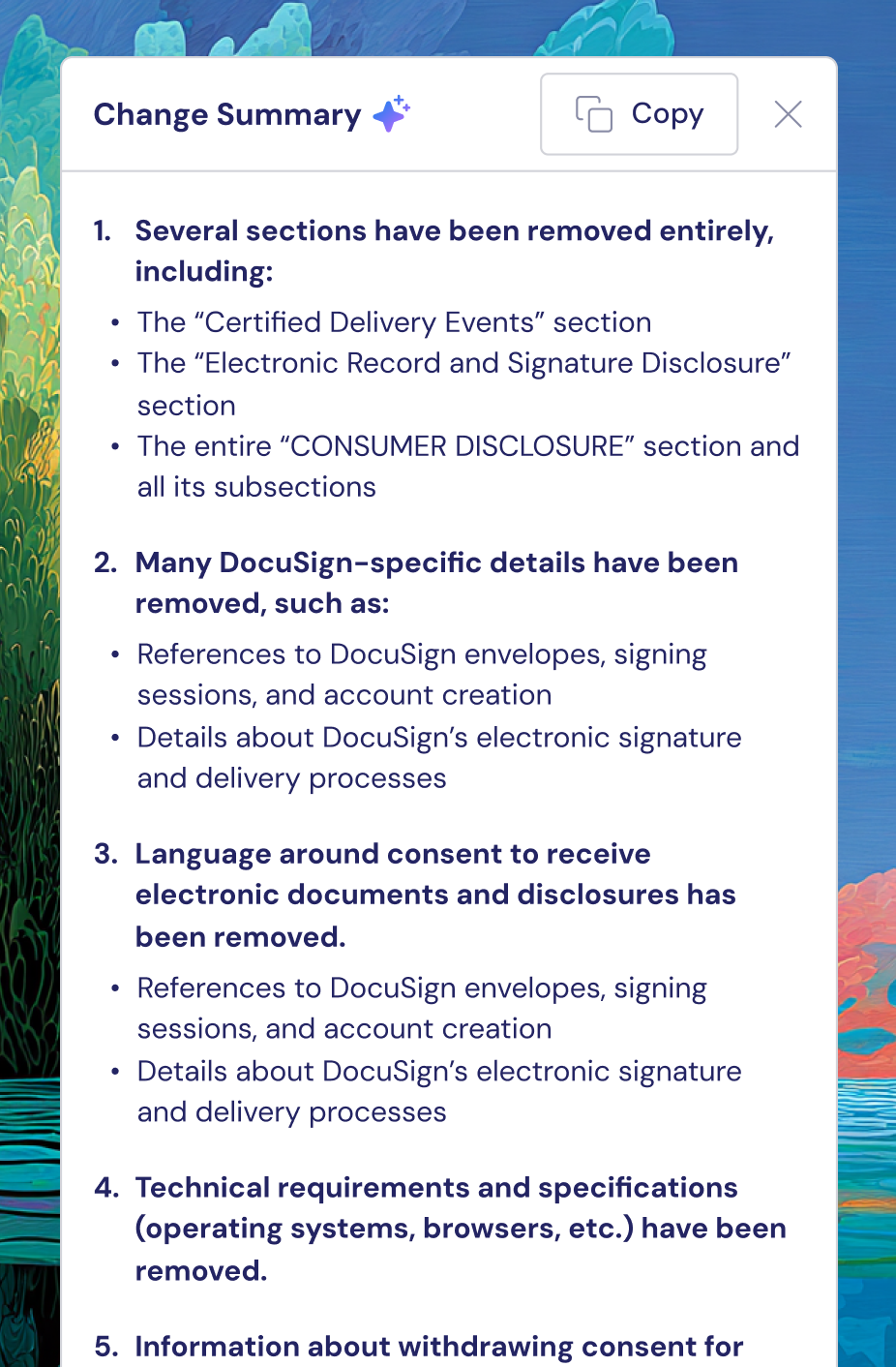
Generate an at-a-glance summary of changes to quickly identify key legal or business implications. Ideal for quickly briefing internal stakeholders.
Before Recital, every comparison took a few minutes just to set up. That time really adds up. I honestly can’t remember the last time I had to hunt through folders or emails to find the right version.”
Senior Corporate Counsel

The fastest way get from inbox to redline
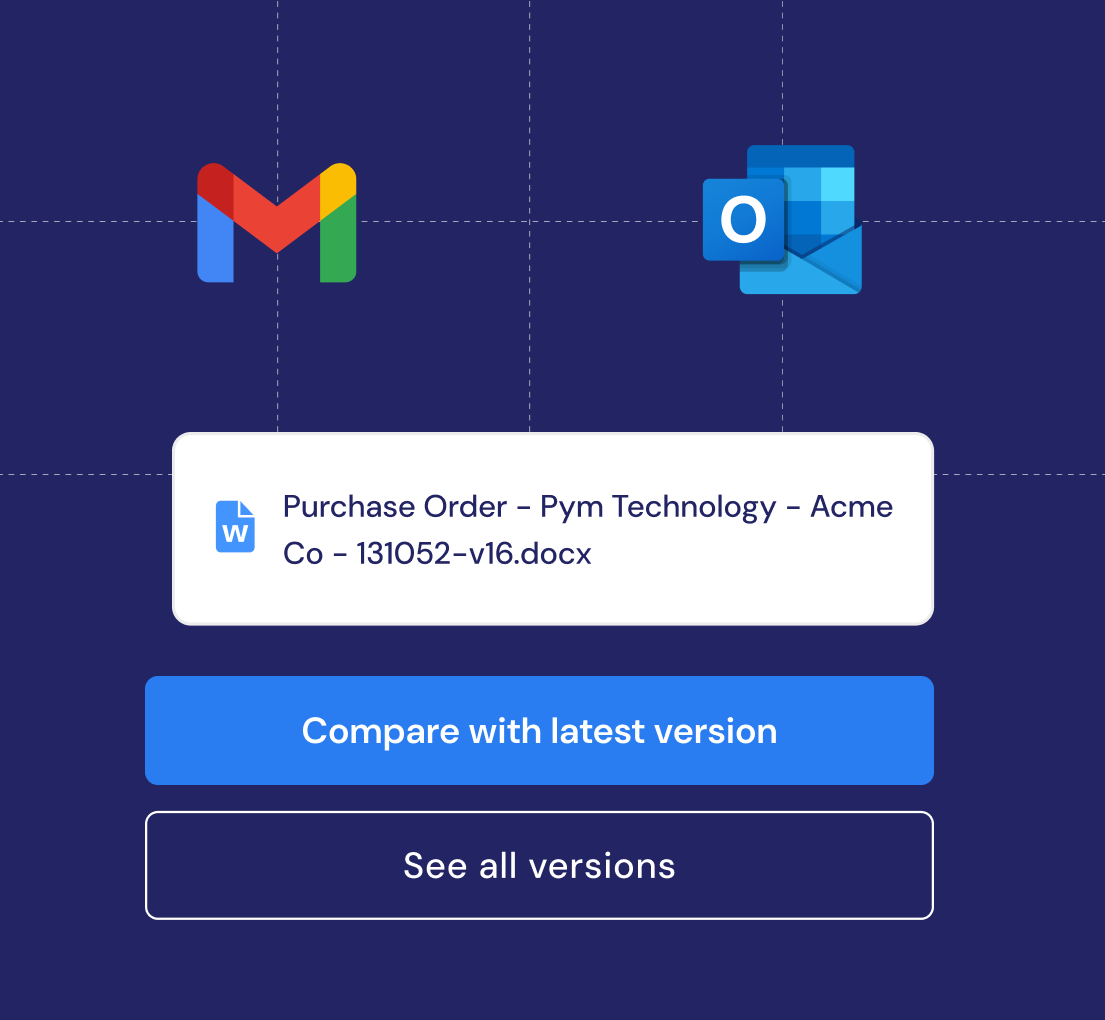
With Recital for Email, when a revised contract arrives, open the add-in and click Compare against previous version. The correct prior version is automatically detected and a fresh comparison launches immediately.
No downloads. No searching. No setup.
Uses AI to reliably identify the correct prior version
Works in Gmail and Outlook
Available in desktop and web versions of Outlook
Included with your Recital subscription

Get started quickly, without the IT headache
No implementation project and no ongoing IT involvement required.
Just connect your existing contract sources (see which ones we support), install the email add-in, and start comparing contracts right away, all while meeting enterprise-grade security standards
FAQ
-
The difference is everything that happens before the comparison. When contracts and versions are already organized, you spend less time preparing and more time reviewing.
-
Yes. Word to Word, Word to PDF, and PDF to PDF are all supported.
-
Yes. Recital's comparison feature works on Mac and Windows. Unlike traditional document comparison tools built for Windows, Recital is fully cloud-based.
-
AI helps detect and organize new versions from your connected contract sources, match the correct prior version, and summarize key changes. It accelerates review without replacing legal judgment.
-
Yes. Redlines can be opened in Word or exported to PDF.
-
-
Recital handles documents up to 100 pages efficiently. For longer documents, comparison may take slightly longer but will still complete successfully.
-
Litera Compare (formerly Workshare Compare) is the document comparison engine. It provides more accurate and comprehensive comparison than Microsoft Word, especially for complex documents. Recital integrates Litera Compare technology to give in-house teams law-firm-grade comparison capabilities.
-
Comparisons are generated on-demand and can be saved to your connected cloud storage or downloaded locally. Your original documents remain in place.
-
Yes. All comparisons happen over encrypted connections, and your documents are processed in secure, compliant cloud infrastructure. Your data is never shared or used for any purpose other than generating your comparison.